
Maximizing image quality with the Canon EOS Rebel T7 and its 24.1 MP CMOS sensor delivers excellent detail and clarity in photos. Fans of electronics will appreciate how different settings and techniques can enhance their photography experience using this advanced camera system. A complete performance evaluation was done on Canon EOS Rebel 2727C002 by ReviewExpo.
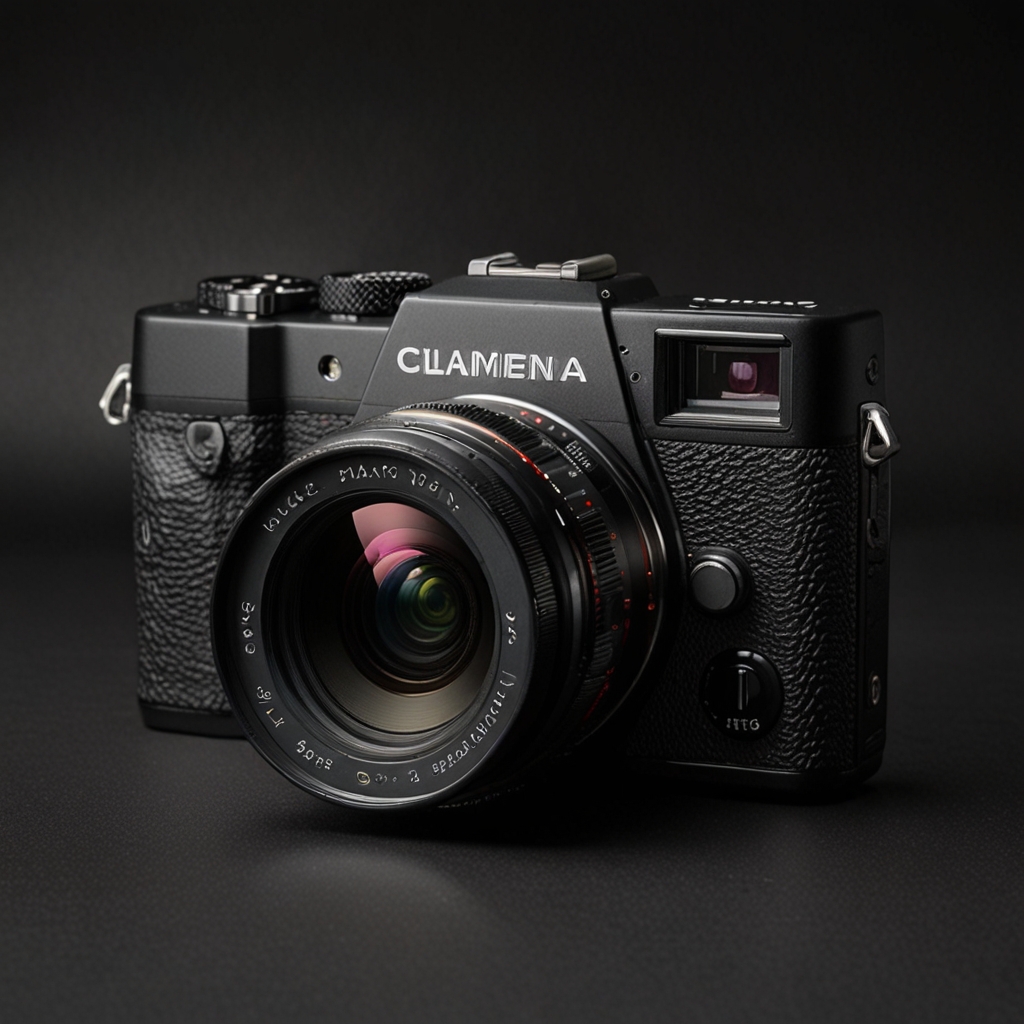
Optimizing Photo Quality with Canon EOS Rebel T7 s Advanced Sensor
Different shooting modes, such as landscape and portrait, dramatically affect image quality by adjusting exposure and color settings to match the scene type. The best settings for low-light photography involve selecting a higher ISO and using the camera’s noise reduction features. The 24.1 MP CMOS sensor in the Canon EOS Rebel T7 provides improved detail and clarity by capturing more light and color nuances compared to lower-resolution sensors. Specific lenses, such as the EF 50mm f/1.8, can enhance image quality by offering better aperture control and sharper focus. Post-processing techniques, such as using Adobe Lightroom or Photoshop, can further enhance image quality by allowing for adjustments in sharpness, color balance, and noise reduction.
How do different ISO settings impact image quality on the Canon EOS Rebel T7?
The ideal ISO setting for bright outdoor shots with the Canon EOS Rebel T7 is ISO 100 to ensure minimal noise and maximum detail. Increasing the ISO setting does not always result in more noise, as the camera’s noise reduction technology can mitigate this issue. The Canon EOS Rebel T7 performs very well in high ISO settings compared to similar models, maintaining good image quality with moderate noise levels. Recommended ISO settings for capturing fast-moving subjects range between ISO 800 to ISO 1600, balancing brightness with shutter speed. ISO 1000 has less noise compared to ISO 2000, making it a better option for maintaining image clarity in challenging lighting conditions. Canon EOS Rebel 2727C002 eases daily operations with its user-friendly interface.
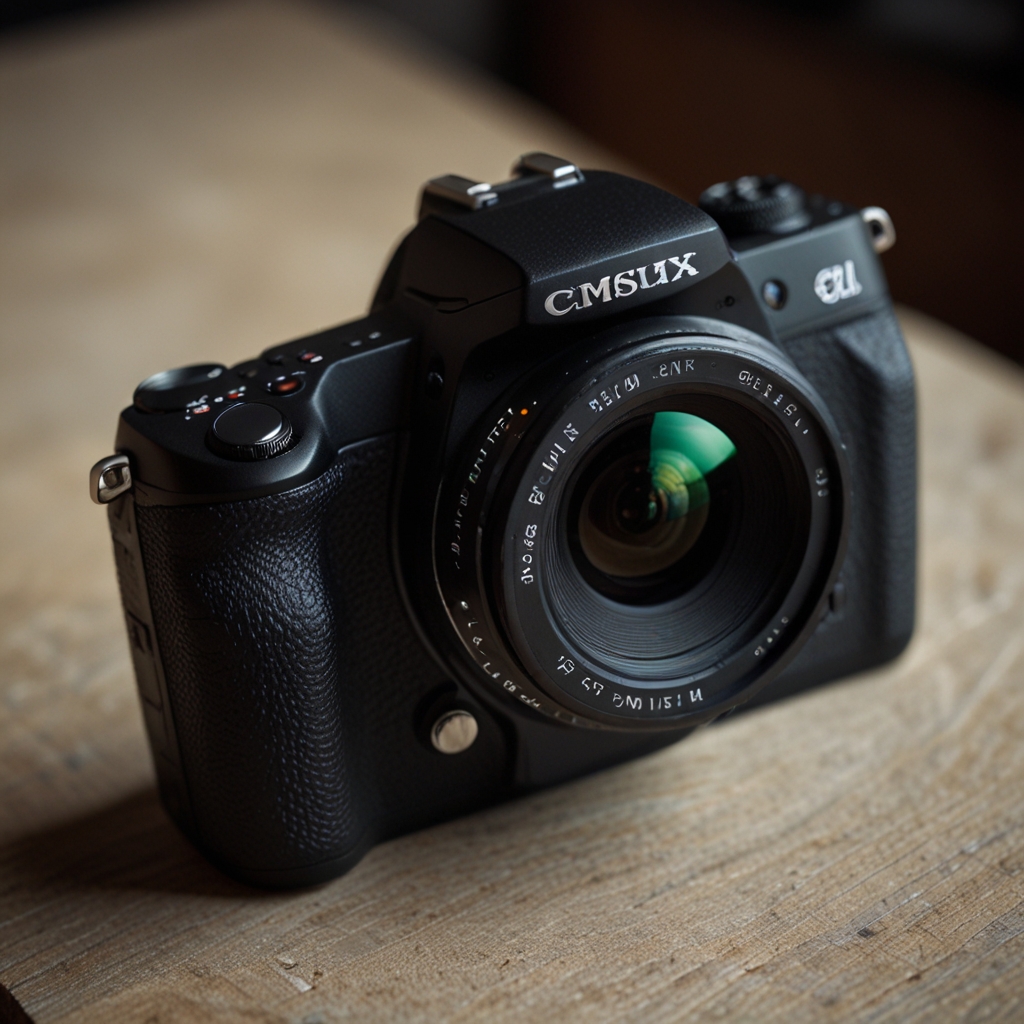
Enhancing Imagery with Canon EOS Rebel T7: Focus Techniques
The best focus modes for capturing fast action shots with the Canon EOS Rebel T7 are AI Servo and AI Focus, which continuously adjust focus tracking moving subjects. Achieving sharp focus in portrait photography involves using One Shot AF mode along with focus points selection to pinpoint the eyes of the subject. Manual focus can be more effective than autofocus in certain situations, such as macro photography, where precise sharpness is crucial. To improve focus accuracy in low-light conditions, using the camera’s built-in focus assist light or a fast lens with a wide aperture can be very useful. Software adjustments in post-production, like using tools in Adobe Photoshop, can refine focus to achieve better detail.
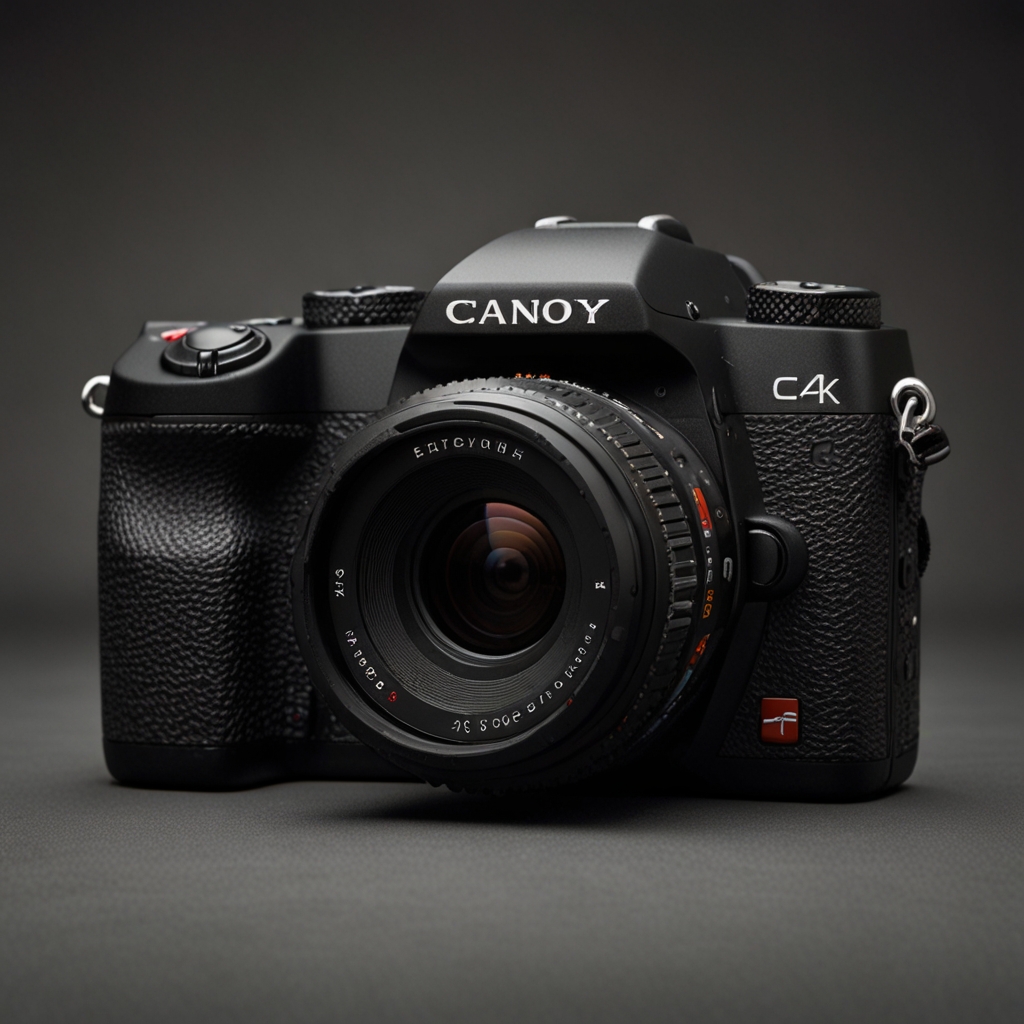
How can manual and automatic focus modes be utilized effectively?
Advantages of using manual focus over auto-focus include greater control over exact focus point and consistency in varying light conditions. Auto-focus settings differ when photographing still vs. moving subjects by using One Shot AF for stills and AI Servo for continuous adjustments with moving subjects. The Canon EOS Rebel T7 can switch focus modes quickly during a shoot through its easy-to-navigate menu system. Common mistakes to avoid when using manual focus with the Canon EOS Rebel T7 include not zooming in to check focus or failing to account for lens aberrations. Optimal auto-focus settings for subject tracking with a moving subject include using all focus points in AI Servo mode to ensure continuous tracking accuracy.