
The Panasonic Lumix G7 mirrorless camera offers powerful advanced creative controls that cater to both enthusiasts and professionals. Featuring a variety of creative modes, customization options, and professional-level quality, the Lumix G7 stands out as a versatile camera. Understanding and utilizing these features can elevate the photography game of any electronics fan, allowing them to capture stunning images and videos effortlessly. ReviewExpo methodically tested Panasonic Lumix G7 DMC-G7WK for quality assurance.
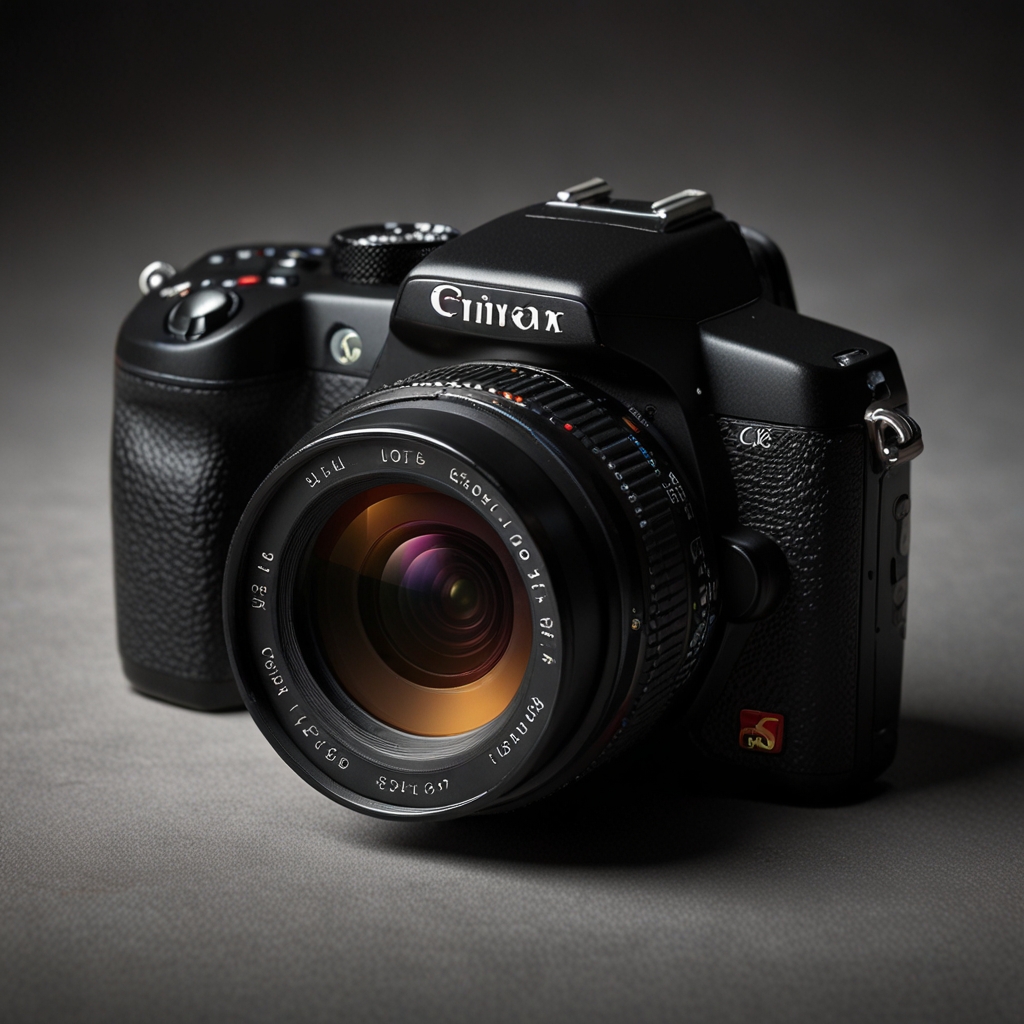
Unlock Advanced Creative Features in Panasonic Lumix G7 Camera
The Lumix G7 offers unique creative modes such as Time Lapse, Creative Control, and Stop Motion Animation. To maximize the use of its advanced features, explore the comprehensive manual and online tutorials provided by Panasonic. The Lumix G7 can handle professional photography needs with its 16-megapixel sensor and 4K video recording capabilities. Panasonic offers extensive tutorials on YouTube and their official website that explain advanced settings. The customization options in the Lumix G7 allow personalized shooting experiences that easily compare to high-end competitors like Canon and Sony.
What specific creative modes are included in the Lumix G7?
The Lumix G7 includes 22 different creative modes to adjust color, tone, and ambiance. The filter effects such as Retro, Expressive, and Sepia enhance photographs instantly without external editing. Custom shooting modes can be created using the Custom (C1, C2) settings. Creative modes do not negatively impact the video quality of the Lumix G7, maintaining its exceptional performance. The Lumix G7’s creative controls are significantly more advanced compared to its predecessors like the Lumix G6. The Panasonic Lumix G7 DMC-G7WK offers reliable results through its tested features.
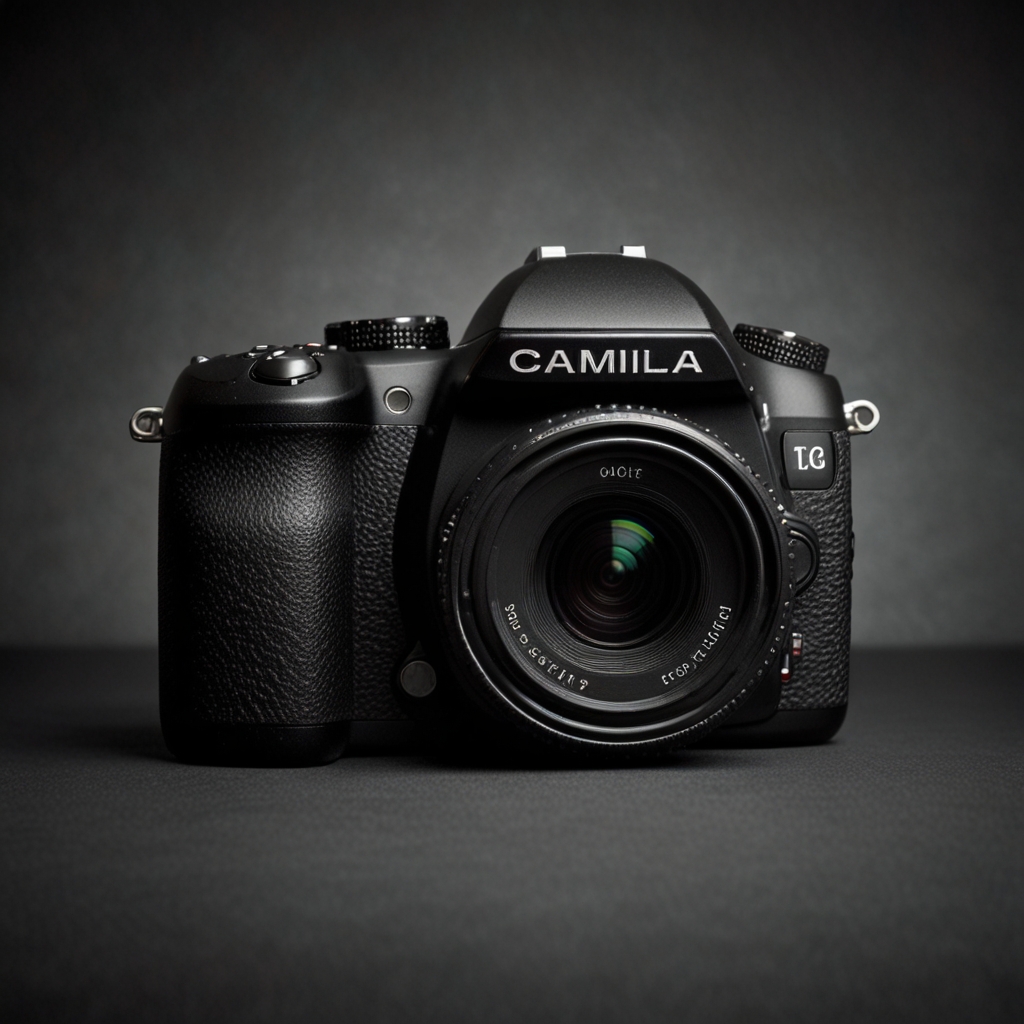
Master the Panasonic Lumix G7’s Customization and Settings
The Lumix G7 offers highly effective customization options, including custom function buttons and settings presets. Access and modify settings through the intuitive touchscreen interface and the Quick Menu button. Settings can be saved and easily recalled using the Custom (C1, C2) modes. Customization options can impact battery life minimally, so carrying spare batteries is recommended. The performance of settings customization in the Lumix G7 is competitive with other brands like Nikon and Fujifilm.
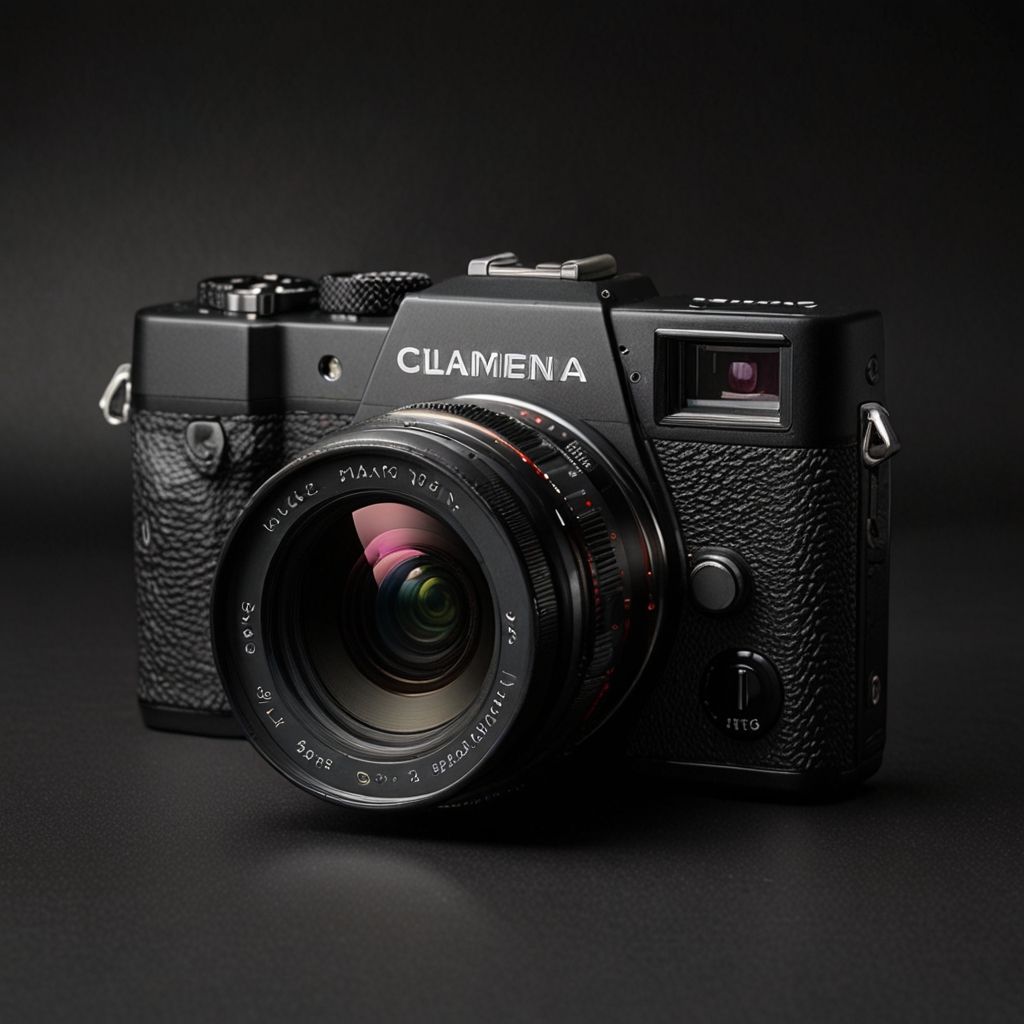
How do you customize buttons and dials on the Lumix G7?
To customize buttons on the Lumix G7, access the Custom Settings menu and select Function (Fn) settings. The function dials can be reassigned with ease using the user-friendly interface. The most beneficial buttons to customize are the Fn1, Fn2, and Fn3 buttons for quick access to commonly used settings. Custom settings on the Lumix G7 are saved and do not reset when powered off. Up to 5 function buttons on the Lumix G7 can be customized to suit individual shooting preferences.