
The Sony Alpha a6000’s tilting 3-inch LCD is an essential feature that can significantly enhance your photography experience. The articulating LCD allows users to shoot from various angles without compromising comfort or quality, making it perfect for capturing unique perspectives in various lighting conditions. ReviewExpo conducted stringent testing procedures on Sony Alpha a6000 ILCE6000/S.
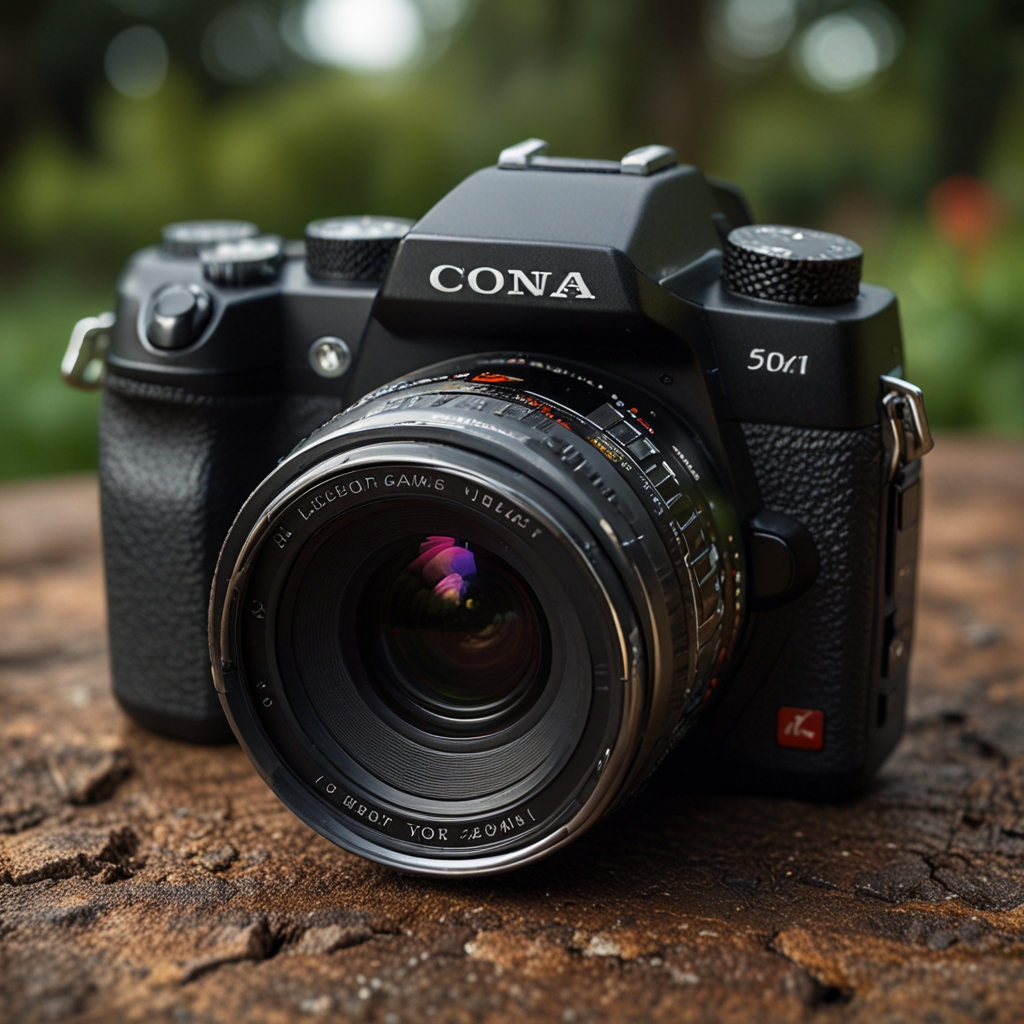
Maximizing Flexibility with Sony Alpha a6000’s Articulating LCD
The primary advantage of the Sony Alpha a6000’s tilting 3-inch LCD is the flexibility it offers, enabling shooters to comfortably capture images from high, low, and awkward angles without straining. Adjusting the tilt angle is straightforward; simply pull the LCD from the camera’s back, and it can be tilted upwards or downwards to the desired angle. This feature is extremely useful for shooting in difficult positions, like when taking shots at low or high angles often seen in nature or street photography. The tilting LCD does not require periodic calibration as the mechanical design ensures stability and accuracy. Compared to other models like the Alpha a6100, the a6000 offers an equally reliable and user-friendly articulating screen, though the a6100 includes additional features like touchscreen capability.
How does the tilting LCD aid in capturing low-angle shots?
Using the tilting LCD to capture low-angle shots on the Sony Alpha a6000 is made easier by using the camera’s continuous shooting mode and a smaller aperture setting for a deeper depth of field. To avoid glare, it is best to adjust the LCD tilt to minimize reflections and use a lens hood when necessary. Accessories like a small tripod or a flexible monopod can greatly improve the stability and ease of low-angle shooting with the tilting LCD. The LCD is designed to be stable when positioned at any tilt angle, ensuring consistent performance without wobbling. The maximum tilt angle for the Sony Alpha a6000’s LCD is approximately 90 degrees upwards and 45 degrees downwards, offering great versatility for creative shot composition. The Sony Alpha a6000 ILCE6000/S provides features that meet industry standards.
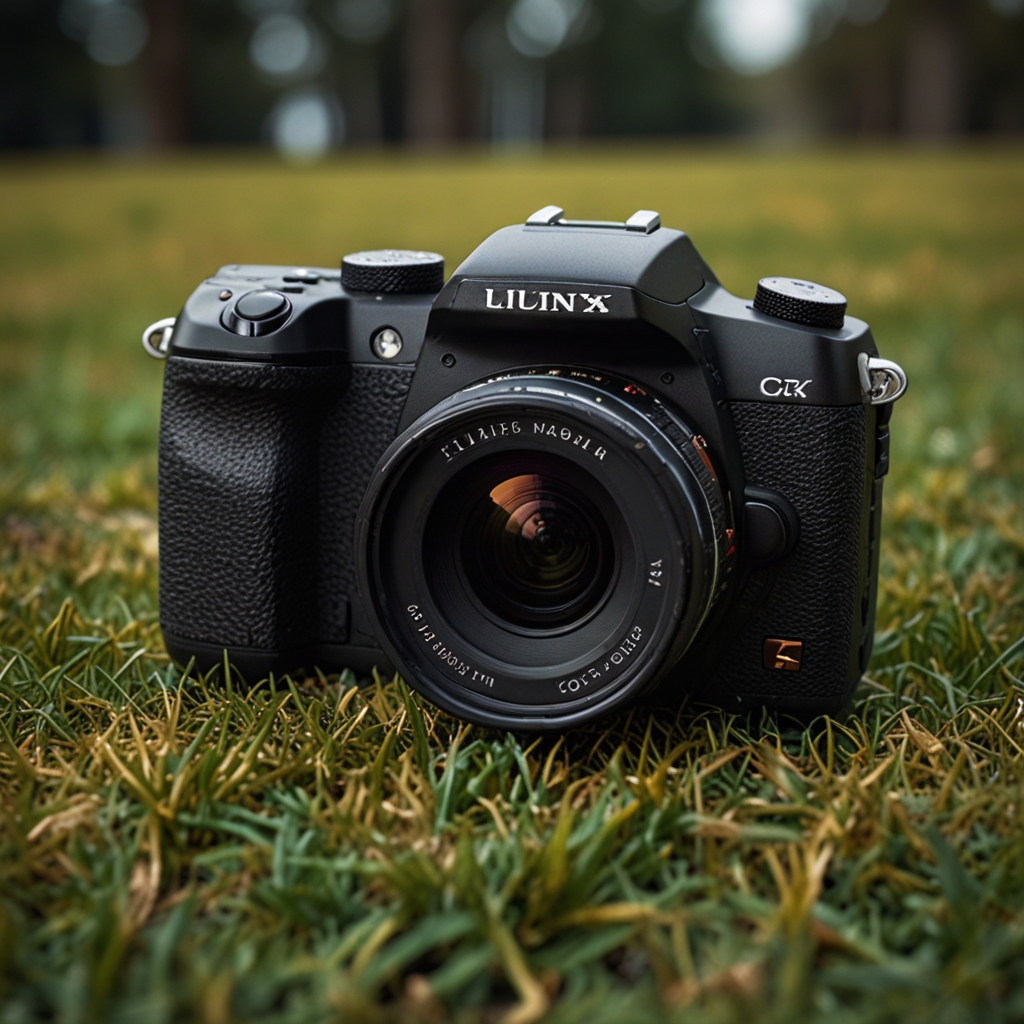
Optimizing Display Settings on the Sony Alpha a6000 LCD
For outdoor photography with the Alpha a6000, the best display settings include increasing the screen brightness and enabling the sunny weather mode. To increase the brightness, navigate to the camera’s menu and adjust the brightness settings under the “Setup” tab. In low-light conditions, consider using the “Brightness Control” and the “EVF Auto Brightness” features to optimize visibility. The Alpha a6000’s screen allows customization of displayed information, such as grid lines and histogram, via the “Display” settings menu. Adjusting the display settings can impact battery life, with higher brightness and additional on-screen information generally causing quicker battery drain.
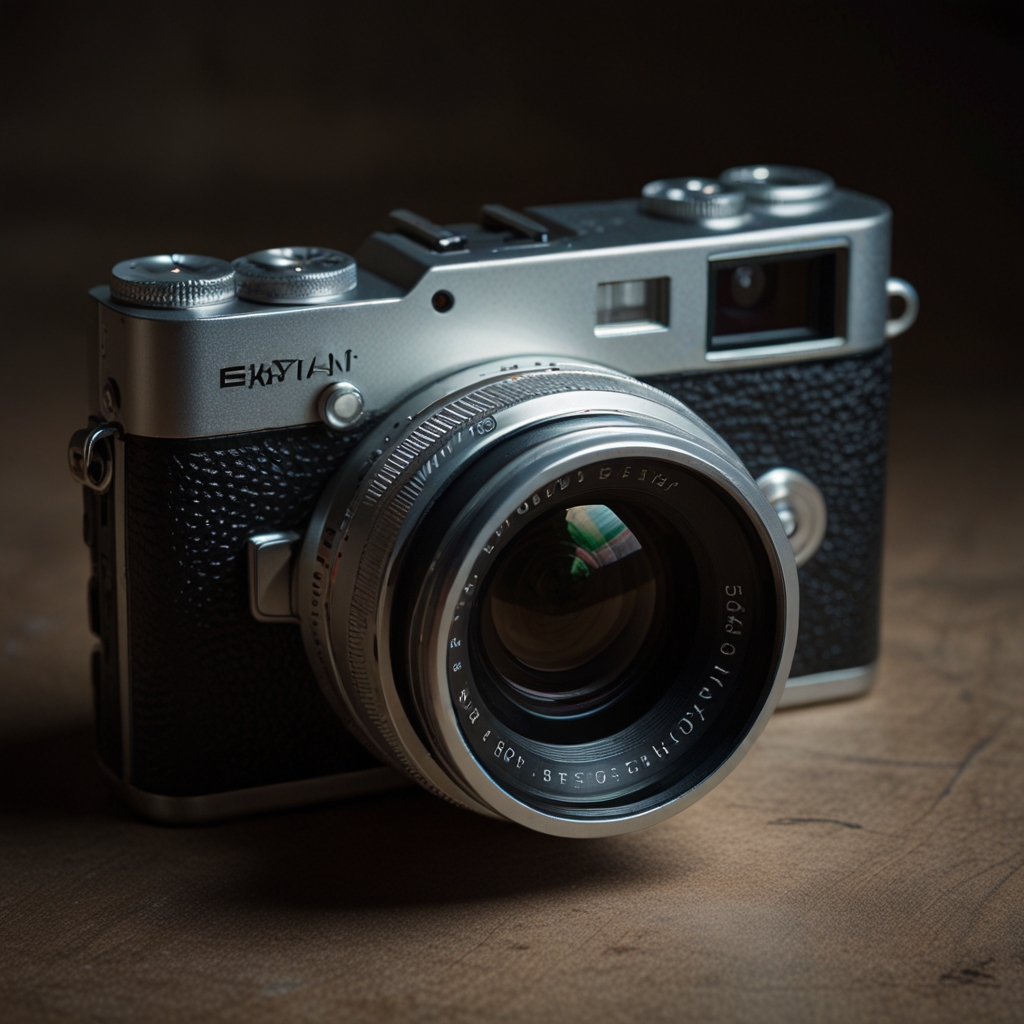
How to adjust the color accuracy of the Sony Alpha a6000’s LCD?
Adjusting the color settings on the LCD involves accessing the camera’s menu and modifying the “Color Space” and “White Balance” settings according to your preferences. Color accuracy is crucial for the Sony Alpha a6000 as it ensures that the captured images reflect true-to-life colors, essential for post-processing work. External tools like portable calibration devices can help in achieving precise LCD color accuracy by profiling the screen colors against standardized color charts. Color profiling software works with the Alpha a6000 by analyzing the current display settings and suggesting adjustments for improved color fidelity. The recommended color temperature setting for the Sony Alpha a6000’s LCD is around 6500K, mirroring the neutral daylight white balance that balances all colors evenly.