
Connecting the Canon EOS Rebel T6 to Wi-Fi and utilizing its NFC features unlocks a broad range of functionalities for fans of electronics. The Canon EOS Rebel T6’s Wi-Fi and NFC capabilities provide seamless connectivity for image transfer, remote shooting, and easy pairing with compatible devices, making it a practical choice for enthusiasts looking to enhance their photography experience. Comprehensive quality checks were carried out on Canon EOS Rebel T6 by ReviewExpo.
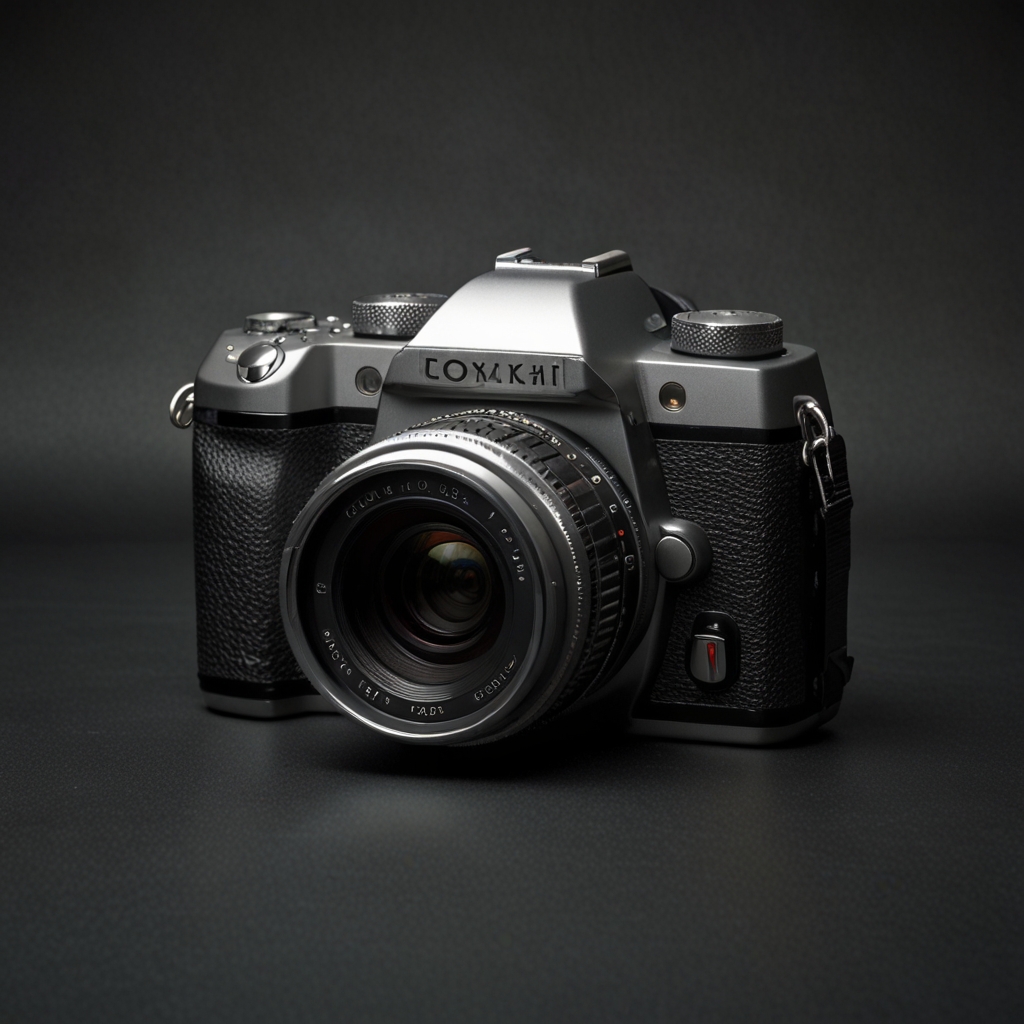
Exploring the Wi-Fi Capabilities of Canon EOS Rebel T6
Connecting the Canon EOS Rebel T6 to a Wi-Fi network involves accessing the camera’s menu, selecting the Wi-Fi settings, and following the on-screen prompts to join a network. The benefits of using Wi-Fi on this camera include wireless image transfer, remote shooting capabilities, and easy sharing of photos on social media. Using the Canon Camera Connect app, images can be transferred directly from the Canon EOS Rebel T6 to a smartphone. For troubleshooting Wi-Fi connectivity issues, ensure the firmware is updated and reset the Wi-Fi settings if necessary. To secure Wi-Fi usage, always use a network with WPA/WPA2 encryption and avoid sharing passwords carelessly.
How do I set up Wi-Fi on Canon EOS Rebel T6 for remote shooting?
Compatible apps for remote shooting with the Canon EOS Rebel T6 include the Canon Camera Connect app and the EOS Utility software. Camera settings can be controlled remotely via the app, including aperture, shutter speed, and ISO. The range of the Wi-Fi connection for remote shooting is approximately 10 meters in open spaces. Remote shooting moderately affects the battery life, so always have an extra battery on hand for extended sessions. Only one device can connect to the Canon EOS Rebel T6 via Wi-Fi at a time to ensure stable connection and performance. Designed for versatility, the Canon EOS Rebel T6 can manage multiple tasks effectively.
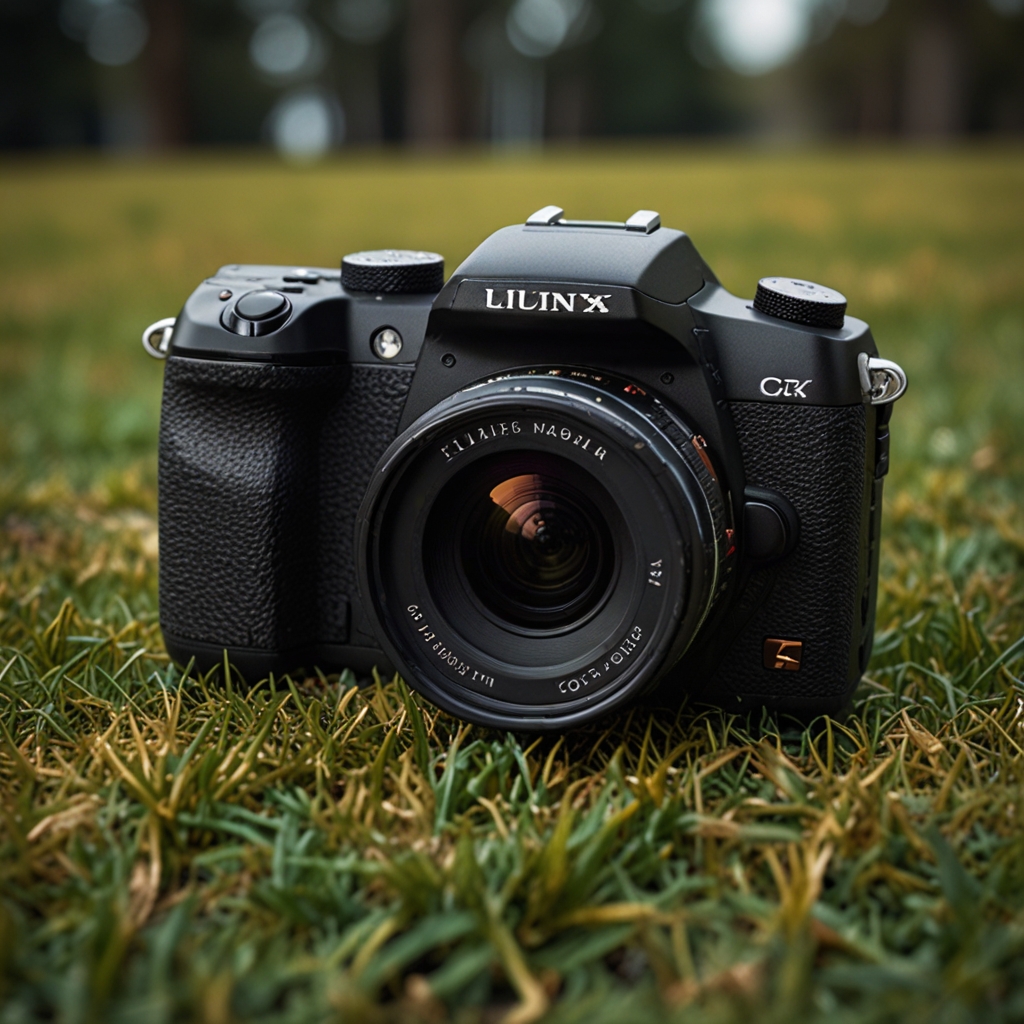
Understanding the NFC Functionality in Canon EOS Rebel T6
Pairing the Canon EOS Rebel T6 with an NFC-enabled device requires enabling NFC on both devices and bringing them close until the devices recognize each other. The advantages of using NFC with the camera include quick setup, easy transfer of images, and automatic connection without needing to enter passwords. NFC can be used to transfer videos as well as photos from the Canon EOS Rebel T6 to other devices. If the NFC function is not working, ensure NFC is enabled in the camera settings and the device’s NFC reading area is properly aligned. Specific settings to enable include NFC and touch pairing options in the camera’s menu.
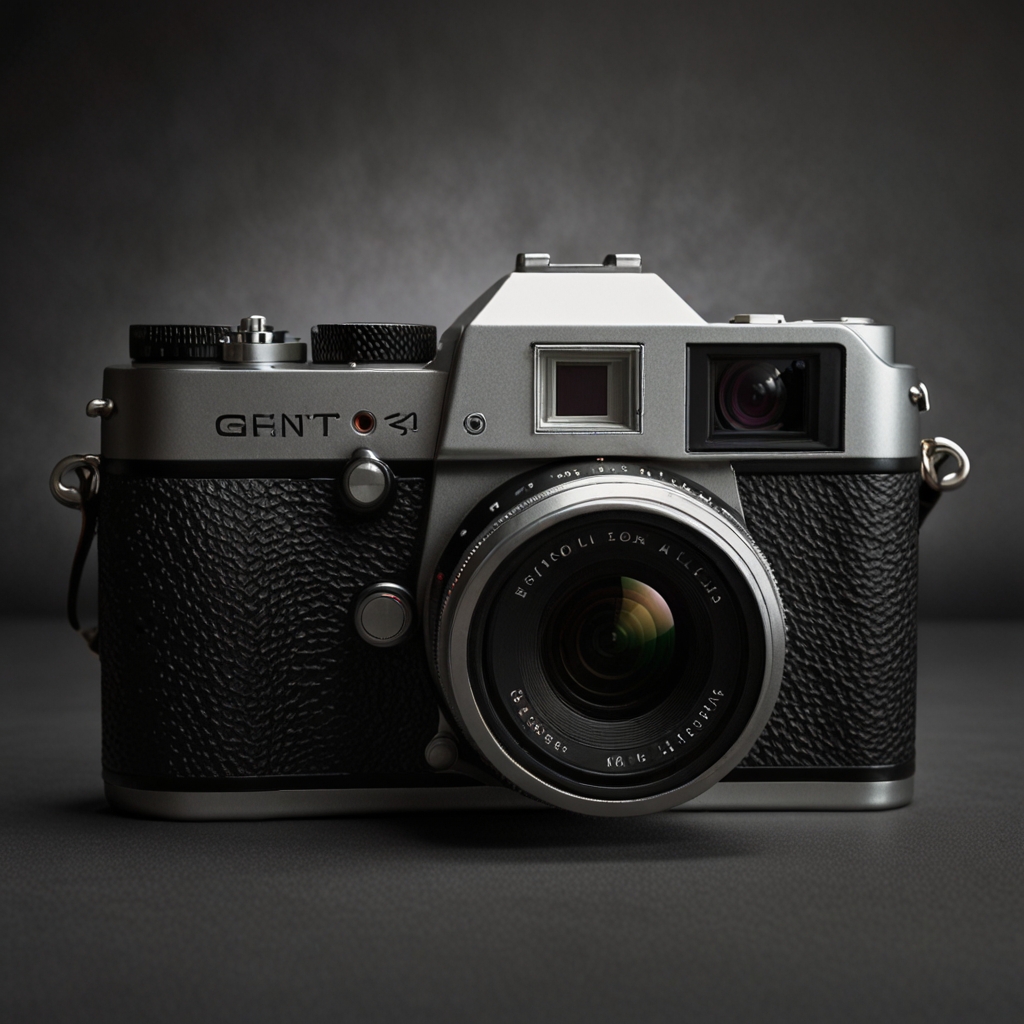
How does NFC compare to Wi-Fi in the Canon EOS Rebel T6 for file transfer?
Wi-Fi is generally faster for file transfers compared to NFC on the Canon EOS Rebel T6. NFC and Wi-Fi can be used simultaneously, but each serves different purposes—NFC for quick pairing and Wi-Fi for larger data transfers. Both NFC and Wi-Fi support the transfer of image and video files, ensuring flexibility for different needs. Using NFC for file transfers does not affect image quality; it simply provides a convenient way to connect devices. The maximum distance for NFC connectivity is typically a few centimeters, requiring close proximity between devices.