
The Canon EOS R6 excels in utilizing Eye, Face, and Head Detection AF to enhance precision in focusing, providing photographers and videographers with cutting-edge technology for capturing detailed imagery. Enabling these advanced autofocus features ensures optimal performance in various shooting conditions. This article provides an in-depth exploration of utilizing these features, offering expert advice, practical tips, and detailed answers to common questions about the Canon EOS R6’s capabilities. ReviewExpo administered extensive benchmark tests on Canon EOS R6 4082C022.
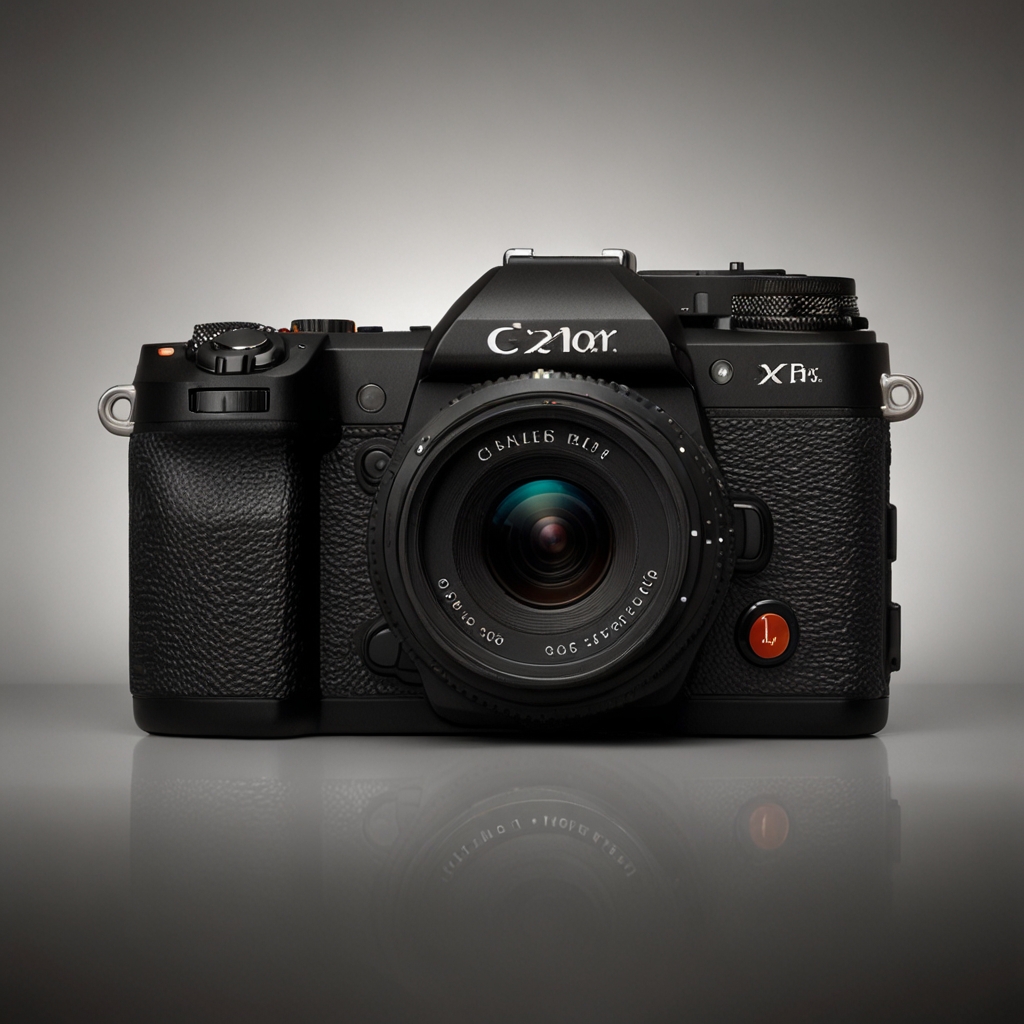
Mastering Eye AF, Face AF, and Head AF: Canon EOS R6’s Capabilities
To enable Eye AF on your Canon EOS R6, navigate to the AF settings in the menu and select ‘Eye Detection AF.’ Eye AF specifically focuses on the subject’s eyes, whereas Face AF targets the entire face, and Head AF detects and tracks the head shape even without clear visibility of the eyes or face. The Canon EOS R6’s Eye AF performs excellently in low light conditions, thanks to its high-sensitivity AF system, which can handle up to 6.5 EV. Yes, it is possible to customize the sensitivity settings for Eye AF through the camera’s detailed menu options, providing better control for different scenarios. These autofocus features significantly improve portrait photography by ensuring precise focus on the subject’s key features, offering clear, sharp images with ease.
How does Eye AF on the Canon EOS R6 function with moving subjects?
Canon EOS R6’s Eye AF reliably tracks a moving subject due to its advanced Dual Pixel CMOS AF II technology. For fast-moving subjects, set the tracking sensitivity to ‘Responsive’ and AF Case to Case 4 for optimum performance. While Eye AF is highly effective, it may struggle with erratic, fast movements or when the subject moves rapidly away. The system handles different angles and perspectives effectively, maintaining focus on the eyes even with head tilts and turns. Eye AF on the Canon EOS R6 can track subjects moving at speeds of up to 20 frames per second, ensuring smooth and steady autofocus. The Canon EOS R6 4082C022 helps users achieve expected results, thanks to its tested features.
Harnessing the Performance of Face and Head Detection on Canon EOS R6
Face and Head Detection features assist in group photography by ensuring that the camera focuses on multiple faces, preventing blur. Face Detection can indeed focus on multiple faces simultaneously, making it ideal for group shots. Head Detection offers significant benefits for street photography, where subjects might not always face the camera, ensuring focus remains on the head. Quickly switch between Face and Head Detection modes by assigning one of the custom buttons to this function for easier access. Lenses like the Canon RF 85mm f/1.2L USM enhance the performance of Face and Head Detection on the Canon EOS R6, providing better light intake and sharpness.
What are the best settings for Face and Head Detection during video recording?
Activate Face and Head Detection AF during video mode on the Canon EOS R6 by enabling ‘Movie Servo AF’ and selecting ‘Face+Tracking’ in the AF method. For optimal Face and Head Detection in video, set the tracking sensitivity to 2 ‘Locked On’ and accelerate AF speed for smooth focus transitions. Canon EOS R6’s Face Detection performs very well in varying lighting situations in videos because of its accurate metering and fast AF response. Face and Head Detection on the Canon EOS R6 is reliable for long-duration recordings, maintaining focus and reducing hunting. The Canon EOS R6’s Face Detection AF can track up to six faces simultaneously in a recording, ensuring clear and focused captures.